
Canva’s Visual Suite 2.0 connected AI creation, code and data inside one design
Canva unveiled Visual Suite 2.0, Canva AI, Canva Code, Canva Sheets, Magic Studio at scale and AI-assisted photo editing at Canva Create on April 10, 2025.
Historical reporting: Canva unveiled Visual Suite 2.0 at Canva Create on April 10, 2025. Its launch material describes a format spanning multiple Canva design types, Canva AI, Canva Code, Canva Sheets, Magic Studio at scale and AI photo editing. Canva said its AI launch combined in-house models, Leonardo.Ai Phoenix, and partnerships with OpenAI and Anthropic. A conversational product layer and its named underlying models are distinct, and the launch does not establish rights or accuracy for a particular generated output.
Key takeaways
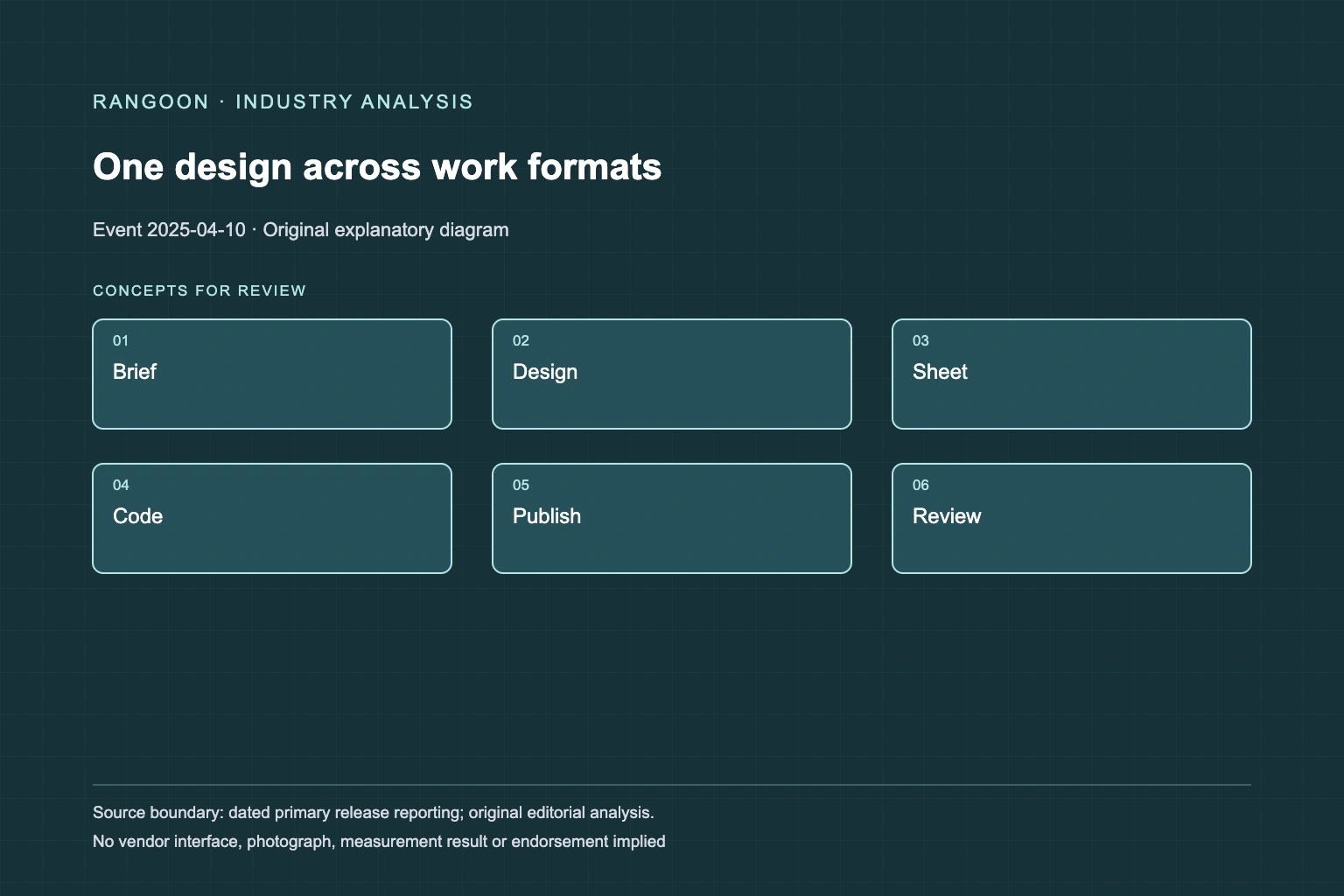
- Visual Suite 2.0 used one Canva design as a shared surface across formats rather than making AI generation a standalone image feature.
- Canva Code and Canva Sheets broadened the launch from visual drafting into interactive and data-assisted work.
- A multi-model creative product still needs source, output, brand and factual review before a result is published or acted upon.
The April launch grouped several workflow changes under one suite[source 2][source 3]
On April 10, 2025, Canva unveiled Visual Suite 2.0 at Canva Create. The company described a new format intended to bring presentations, videos, whiteboards, websites and other design types into one design. It also announced Canva AI, Canva Code, Canva Sheets, Magic Studio at scale and new photo-editing capabilities. The news was therefore wider than one generative-image release: it was a proposal to keep planning, content creation, data work and publication-oriented assets in a shared creative surface.
A shared surface changes collaboration, but it does not make each format equivalent. A presentation may be a static communication artifact, a sheet may include changing values, a website may be publicly reachable and a generated interactive element may have its own logic. The new format can reduce copying between tools while increasing the need to mark what is draft content, what uses live data and what has been approved for an external audience.
Canva AI sat above a mixture of models and product functions[source 2][source 3]
Canva described Canva AI as a conversational starting point for design drafts, documents, images and interactive experiences. Its accompanying product post said the offering blended in-house models, Leonardo.Ai’s Phoenix image model and partnerships with OpenAI and Anthropic. That supplier mix matters because the label “Canva AI” describes a product interface and workflow, while individual generation paths can have different model behavior, availability and conditions.
The company described Design for me, image creation and document drafting as related paths within that interface. A prompt can create a fast first draft, but it does not establish source provenance for copied facts, permission to use reference material or a reliable statement about a person or organisation shown in an image. Human editing can change a result after generation, so a final published asset also needs a record of what was checked rather than an assumption that the initial model choice settles every issue.
Canva Code and Sheets extended creative work into two different risk areas[source 2][source 3]
Canva Code was presented as a way to describe an interactive experience and add it to Canva designs, while Canva identified Anthropic’s Claude 3.7 Sonnet as the model behind that feature at launch. Interactive output is different from a visual concept: it can collect inputs, react to users and be embedded in a document or site. A generated calculator or quiz still needs functional testing, clear ownership of its logic and review of any information it accepts or displays.
Canva Sheets and Magic Studio at scale linked spreadsheet content with generating branded assets in bulk. That can make a campaign more consistent, but it also lets a small source-data error propagate widely. A sheet column, generated headline and connected design should be reviewed as a chain. The April announcement describes a capability to compose that chain inside Canva; it does not establish that every generated variant is accurate, accessible, on-brand or appropriate for its channel.
The launch changed the workspace, not responsibility for the final work[source 2][source 3]
Visual Suite 2.0’s strongest claim was organisational: creative and productivity work could be combined in a single project format. That can preserve context as an idea moves from outline to design and can reduce version drift between teams. Yet combining steps does not eliminate distinct decisions about content accuracy, brand approval, privacy, accessibility or publication. A visual production tool can help a team prepare a campaign while the team remains accountable for the claims and data carried by each output.
This record keeps the April release separate from later Canva product updates. It does not treat later model versions, subscription conditions, connectors or rollout stages as facts of the event. The historical evidence supports a bounded observation: Canva expanded its creative suite into an AI-mediated workspace spanning design, code and data, while leaving each generated or published result subject to the requirements of its actual use.
Sources
Continue reading