
Google added interactive Mind Maps to NotebookLM for navigating notebook topics
Google began a March 19, 2025 NotebookLM rollout for interactive Mind Maps, organizing notebook topics as navigable connections; access and support conditions remained separate.
Historical reporting: Source 0 is Google Workspace’s dated March 19, 2025 NotebookLM release record. Source 1 is current Google Help guidance for Mind Maps, used only to explain the later documented interaction and accuracy boundary. Neither source proves a particular notebook’s availability, map quality or access state.
Key takeaways
- Google’s dated record says the interactive Mind Map rollout began March 19, 2025 and could take up to 15 days to become visible.
- The release framed the feature as a way to navigate complex notebook topics and explore connections, alongside a separate output-language selector.
- Current Help describes zooming, branches and node questions, but also says Mind Maps can be inaccurate and that mobile support differs from the historical rollout.
A gradual Workspace feature rollout[source 1]
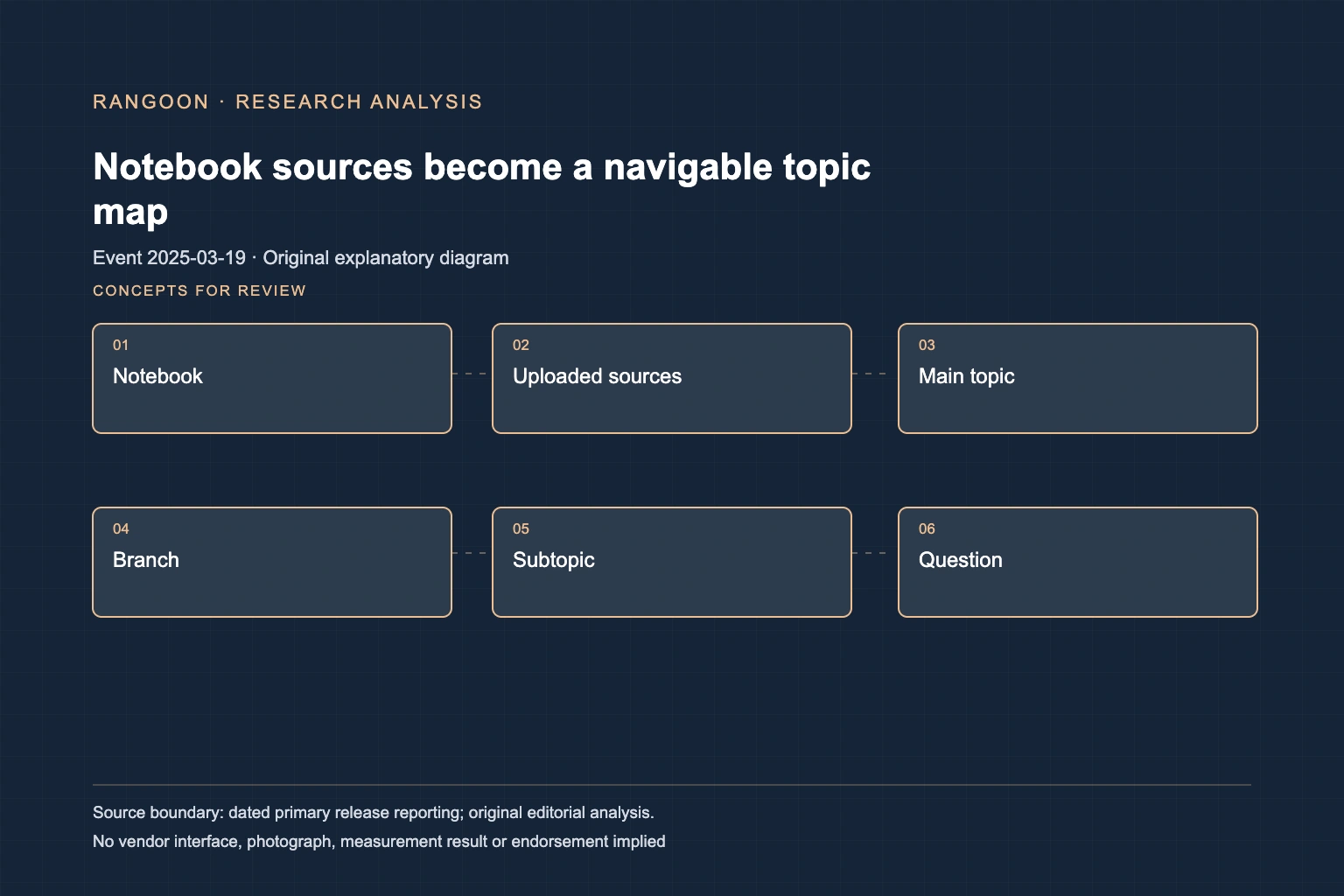
Google Workspace dated its NotebookLM and NotebookLM Plus update March 19, 2025. The record introduced an interactive Mind Map for navigating complex topics and exploring connections inside a notebook. It gave a coral-reef research example: uploaded papers could yield topic branches such as ocean acidification, rising temperatures, pollution and overfishing. The same announcement also named an output-language selector, so the event was a small set of notebook-user-experience changes rather than a standalone visualization product. Its rollout note matters: Rapid Release and Scheduled Release domains began gradual visibility on March 19, with a window of up to 15 days. A date on a release record therefore does not prove that every eligible user saw the control that day.
The map was grounded in a notebook, not a general search result[source 1]
The release described the map in relation to material already held in a user’s notebook. That framing keeps the feature’s job narrow: organize concepts detected across selected sources so a reader can investigate relationships, rather than certify that the relationships are complete or true. Google’s contemporaneous Workspace record also said users could upload only Workspace sources they had permission to access and could control notebook access more granularly. It said uploads, queries and responses were not used to train models or reviewed by human reviewers without permission, within the stated Workspace trust boundary. Those are release-record statements about the service context, not a substitute for checking an organization’s own edition, administrator setting, data classification or sharing policy.
Later Help describes how a reader works with a map[source 2]
Google’s current Help page provides useful interface context without changing the March event. It says a Mind Map visually summarizes uploaded sources as a branching diagram of main topics and related ideas. A user opens a notebook, selects the Mind Map chip in chat, then finds the generated map as a note in the Studio panel. The page describes zooming and scrolling, expanding or collapsing branches, and selecting a node to ask the notebook chat about that topic. It also says a generated map can be shared through the whole notebook or downloaded. Those steps explain how the feature operates now; they do not establish that every step, endpoint or sharing option existed on the March 19 rollout date.
A visual structure still needs source review[source 1][source 2]
Mind Maps changed the reading surface, not the evidentiary status of the sources. A branch can be a helpful starting point for a thesis, policy folder or project archive, yet a compact graph can omit qualifiers, merge similar concepts or elevate a weak source. Google’s Help page explicitly says NotebookLM can be inaccurate and asks users to double check responses. It also currently says the mobile app does not support Mind Maps, a later support condition that should not be projected backward onto March 2025. The historical fact is a dated rollout of an interactive notebook map. A responsible use record still identifies the notebook’s source set, checks important claims against originals, and confirms current plan, region, administrator and device support before relying on the control.
Sources
Continue reading